All marketplace packs
Tools / Engines of Creation
Asset Workbench
Prepare WAV audio, inspect GLB models, and export useful changes—all in your browser.
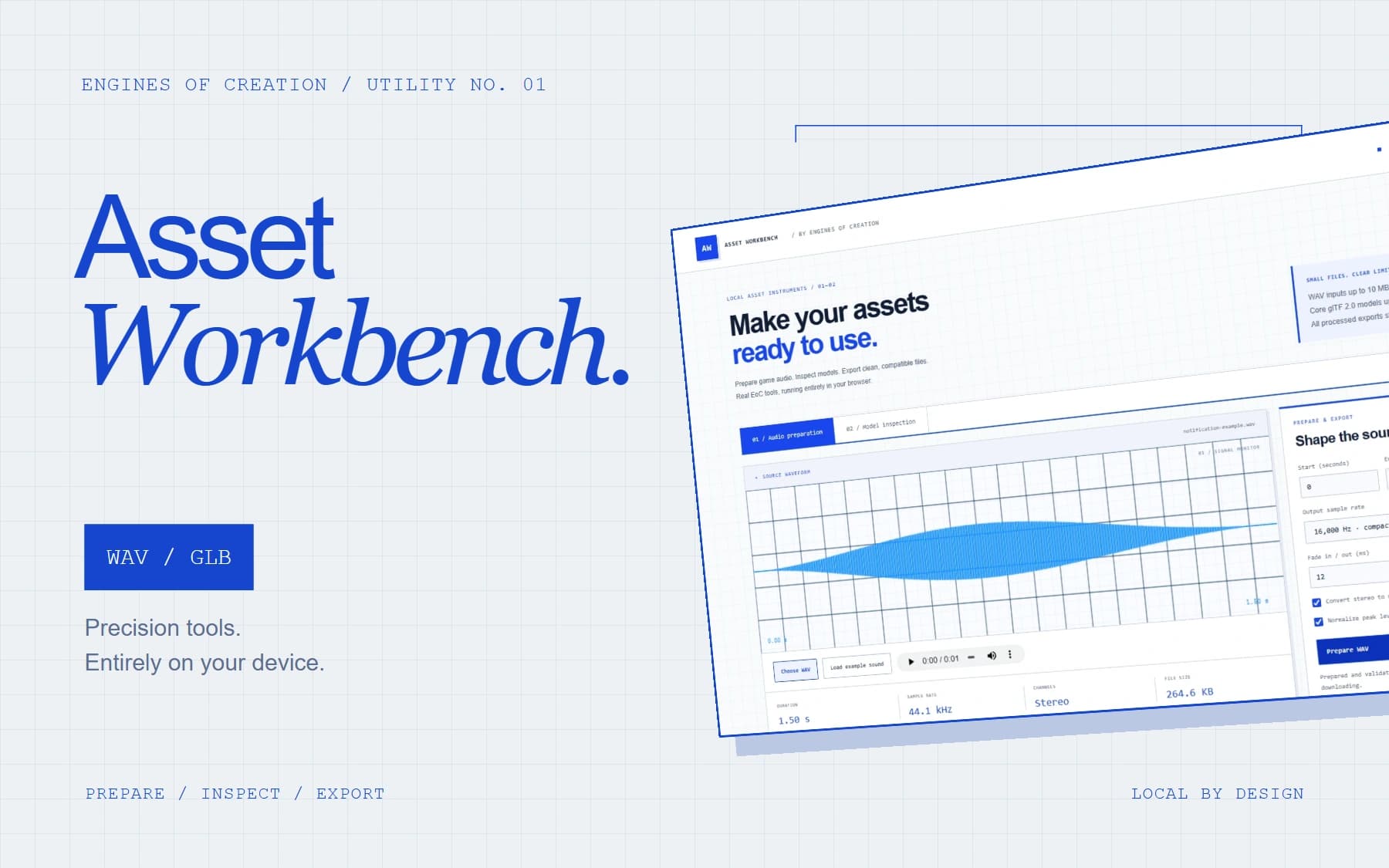
EoC engineering-workbench composition with a screenshot of the actual downloadable tool.
Open the workbench (opens in a new tab)What you’re getting
The actual EoC Studio WAV preparation and GLB inspection tools, packaged as a complete local workbench with editable source, calibration examples, and parser tests.
WAVGLBAudio3DLocal processing
Inside the pack
24 files · 423 KB download · TypeScript, HTML, CSS, WAV, GLB
- Standalone browser workbench and editable source
- WAV parsing, trimming, resampling, normalization and fades
- GLB inspection and orientation tools
- Real example files, build setup and tests
- EoC license and dependency notices
What we checked
- 34 original parser unit tests passed.
- 36 browser checks passed: real WAV/GLB exports, malformed files, size limits, mobile layouts and opening the tool directly without a server.
- Zero external network requests or uploads during browser verification.
- Standalone TypeScript check and self-contained browser build passed.
Make it part of your project
- Open the included index.html, or launch the browser demo. No files leave your device.
- Choose a local WAV to trim, resample, normalize, fade and export; or inspect a core GLB and export a +Z-facing version.
- Source developers: npm ci, npm test, npm run typecheck, npm run build.
Compatibility and scope
- WAV input: 10 MB / 120 seconds / 8 million channel samples.
- Core GLB and processed exports: 300 KB.
- Compressed model extensions, external model resources and extra WAV metadata are not supported.
- This tool does not optimize meshes or decode MP3/OGG.
This release includes the files listed in its manifest. Engine-specific setup and any native validation are described above.